
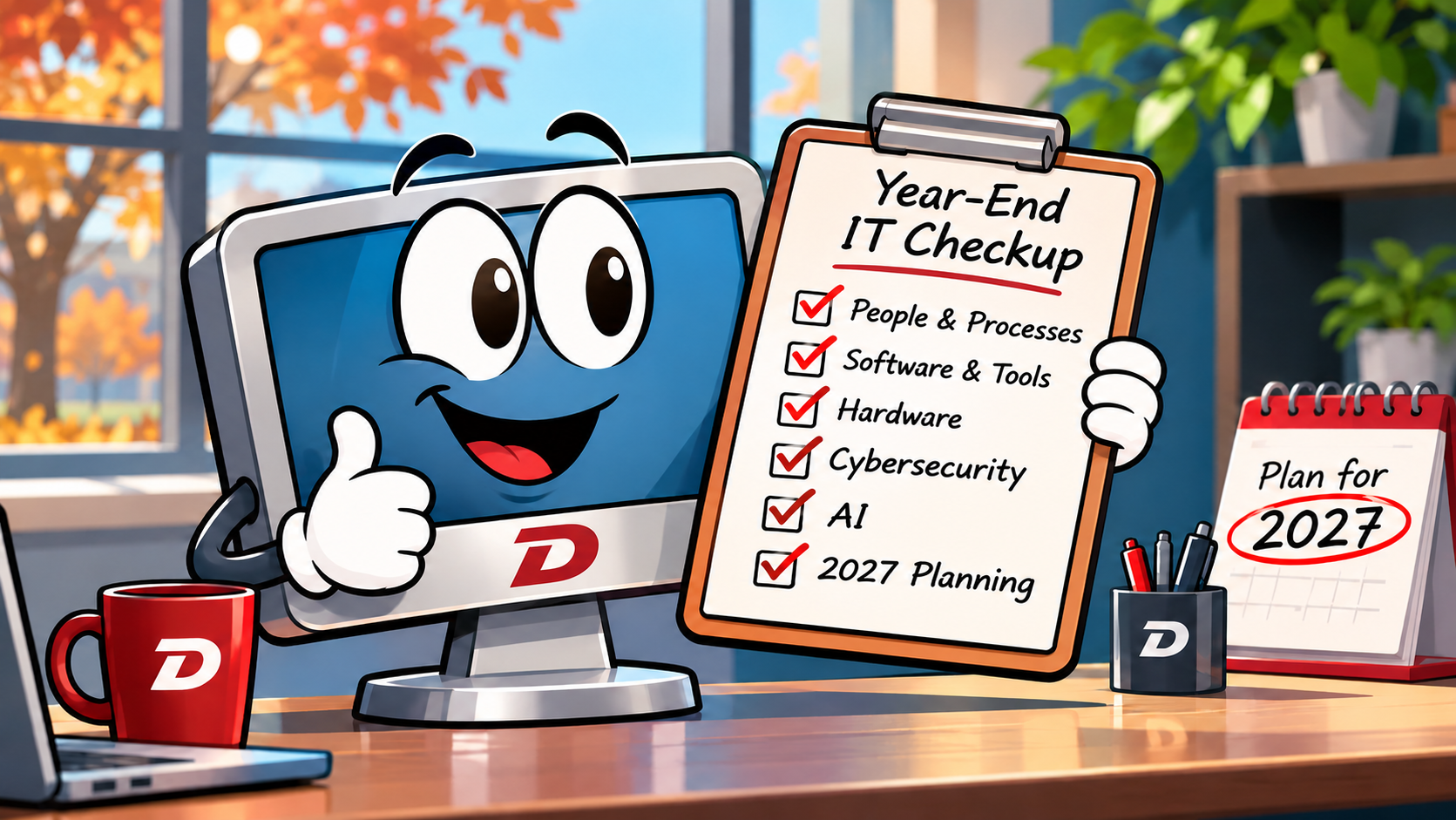
November tends to feel like the beginning of the finish line.
Budgets are being finalized. Teams are thinking about year-end priorities. Leaders are looking ahead to 2027 and asking an important question:
What do we need to do differently next year?
Technology should be part of that conversation.
But before you start building a wish list of new software, hardware, AI tools, or IT projects, it’s worth taking a step back.
What is actually working well today?
What is slowing your team down?
And what have you simply learned to live with?
A year-end technology checkup can help answer those questions and give your organization a much clearer starting point for the year ahead.
Start With the Technology Frustrations Your Team Has Gotten Used To
One of the easiest ways to uncover technology problems is also one of the simplest:
Ask your employees.
What tasks take longer than they should?
Where are people entering the same information more than once?
Are employees constantly switching between applications?
Do people struggle to access files when they are working remotely?
Are there processes someone has been doing manually for so long that no one has stopped to ask why?
Small frustrations have a way of becoming part of the routine.
Your team might have developed spreadsheets, manual processes, personal filing systems, or other workarounds just to get their jobs done. In fact, we recently wrote about how employee-created IT workarounds can point to larger technology and process problems within an organization. [designdatacorp.com]
Instead of assuming those frustrations are simply part of the job, use them as clues.
They may reveal opportunities to simplify a process, automate repetitive work, improve training, or make better use of technology you already own.
Take Inventory Before You Buy Anything New
It’s easy to get excited about the next tool.
But sometimes the best technology investment is making better use of what you already have.
Before approving new software for 2027, look at your current technology environment.
Consider questions like:
- What software subscriptions are we currently paying for?
- Which tools are employees actually using?
- Are multiple applications doing essentially the same thing?
- Are we paying for features or licenses we no longer need?
- Are employees using personal or unapproved tools because company systems aren’t meeting their needs?
- Could an existing platform handle a process we currently manage separately?
This is particularly important with platforms like Microsoft 365, where organizations may already have capabilities for collaboration, automation, security, communication, and data management that aren’t being fully utilized.
A little cleanup now could help prevent unnecessary spending next year.
Look at Your Hardware, Not Just Your Software
That laptop that takes five minutes to start every morning might still technically work.
That doesn’t necessarily mean it should still be in service.
Older hardware can affect productivity, reliability, compatibility, and security. Waiting until equipment completely fails often turns a predictable replacement into an unexpected emergency.
Earlier this year, we looked at the hidden lifecycle costs of hardware and why organizations need to weigh the cost of repairing, replacing, and upgrading aging devices rather than evaluating hardware solely by whether it still turns on. [designdatacorp.com]
As part of your year-end review, identify:
- Devices approaching the end of their useful life
- Equipment with recurring performance problems
- Unsupported or outdated operating systems and applications
- Hardware that no longer meets an employee’s job requirements
- Critical equipment without a replacement plan
Once you know what’s coming, you can plan those expenses instead of reacting to them.
Revisit Cybersecurity With Fresh Eyes
Cybersecurity doesn’t stop being important when Cybersecurity Awareness Month ends.
In fact, year-end planning is a great opportunity to revisit how well your organization is protecting its people, systems, and data.
Design Data has previously emphasized that cybersecurity is about more than technology alone. People and organizational practices play an important role in protecting sensitive information. [designdatacorp.com]
Ask yourself:
Who has access to our systems and data?
Employees change roles. Vendors come and go. Temporary permissions sometimes become permanent simply because no one remembers to remove them.
Are we using strong authentication?
Not every form of MFA offers the same level of protection, something we explored in our August 2026 article on MFA. [designdatacorp.com]
Is our team prepared to recognize modern threats?
Phishing and social engineering continue to evolve, particularly as attackers incorporate artificial intelligence into their tactics.
Do we know what we would do if something went wrong?
Backups are important, but recovery planning is just as critical. Your organization should understand how essential systems and information would be restored after an outage, cyberattack, or other disruption.
The goal isn’t to eliminate every possible risk.
It’s to understand where your biggest risks are and decide what you are going to do about them.
Take a Closer Look at AI
For many organizations, 2026 was the year AI went from something employees were curious about to something they actually started using.
That creates opportunity, but it also creates questions.
Earlier this year, we discussed a reality many organizations are already facing: employees may be using AI whether or not the organization has formally adopted it. [designdatacorp.com]
As you head into 2027, ask:
- What AI tools are employees currently using?
- What information are they entering into those tools?
- Do employees understand what information should never be shared with public AI platforms?
- Is there an organizational AI policy?
- Are there appropriate business use cases where AI could genuinely save employees time?
- Do employees need training to use these tools responsibly?
You don’t need to adopt every new AI product that appears.
You do need a plan.
Turn Your Findings Into a Technology Roadmap
A technology review isn’t very useful if it ends with a long list of problems.
Once you’ve identified your priorities, turn them into a simple roadmap.
You might organize projects into three categories:
Do now: Security gaps, unsupported technology, recurring failures, or other issues that create immediate risk.
Plan for 2027: Hardware replacements, cloud migrations, software changes, process improvements, employee training, or AI initiatives that require budgeting and preparation.
Explore: Longer-term opportunities that aren’t urgent today but could improve efficiency, security, or employee experience in the future.
You don’t need to fix everything at once.
You just need to know where you’re going.
That is the value of having an IT roadmap, something we’ve previously highlighted as an important tool for helping small businesses and nonprofits connect technology decisions to organizational priorities. [designdatacorp.com]
Technology Should Support Where You’re Going
Your technology environment doesn’t need to be perfect by January 1.
But you should understand what is working, what isn’t, and where your organization should focus next.
A thoughtful year-end technology review can help you enter 2027 with fewer surprises, clearer priorities, and a better understanding of where your technology investments can have the greatest impact.
And perhaps most importantly, it helps ensure technology supports your employees and your organization’s goals instead of getting in the way.
Not sure where to start?
Design Data Technology Partners can help you evaluate your current technology environment, identify opportunities and risks, and build a practical IT roadmap aligned with your organization’s goals and budget.