
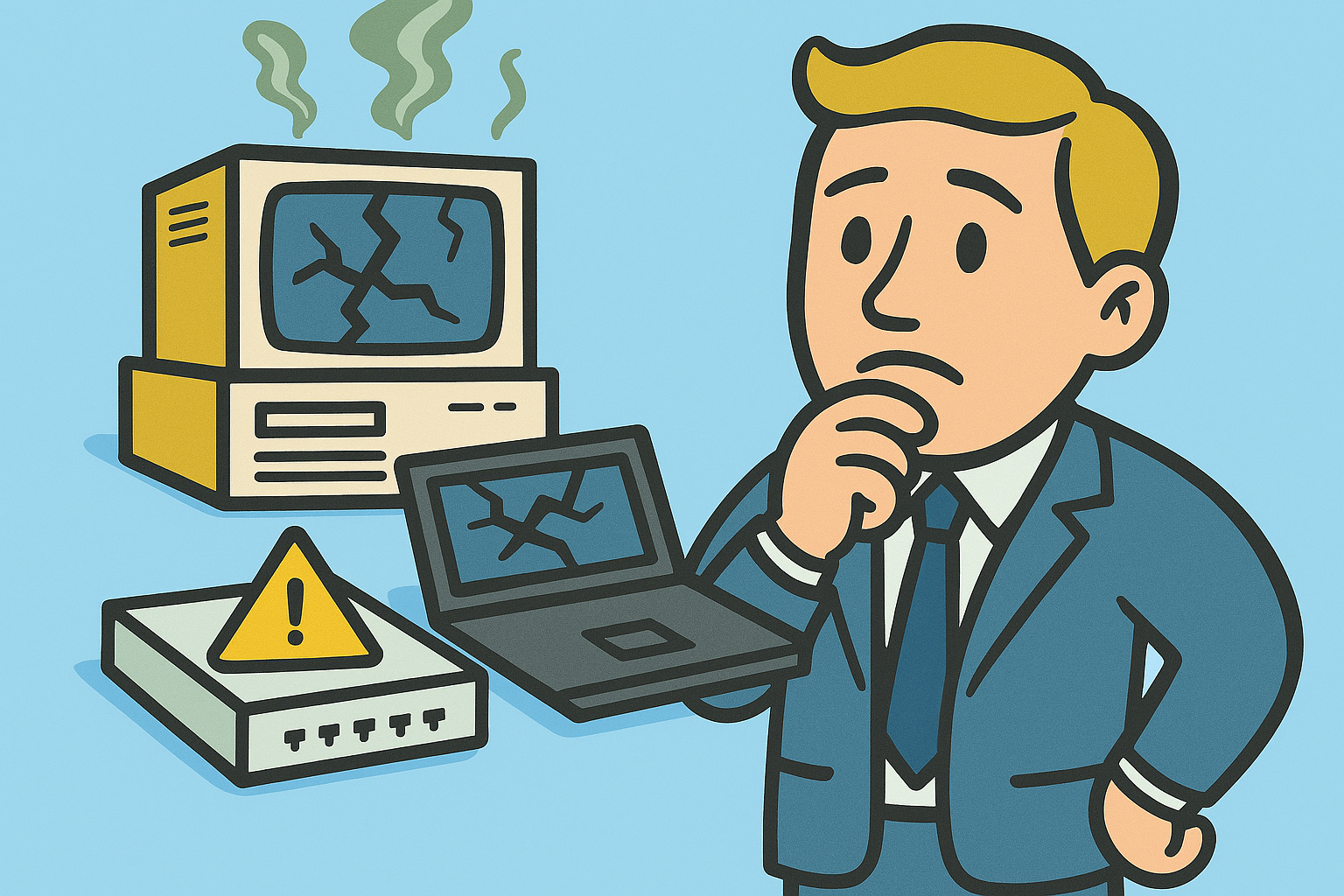
Budget planning is tough for both for-profit and nonprofit organizations, especially when technology costs continue to rise and hardware availability remains unpredictable. Many teams work hard to stretch every dollar, yet surprise expenses still show up when aging equipment finally gives out or when software support deadlines force unplanned upgrades. A clear hardware lifecycle strategy is one of the best ways to stay ahead of these challenges.
Why Hardware Lifecycle Costs Sneak Up on Organizations
The price tag on a server, workstation, or network switch is only part of the story. Over time, older hardware can slow down daily work, require more maintenance, and consume more energy. Support needs also change. Once equipment nears the end of vendor support, the risks begin to grow. Unsupported hardware can no longer receive the updates that help keep systems stable and secure which increases the likelihood of downtime and unexpected expenses. Lifecycle experts note that unsupported systems require more emergency maintenance and can introduce compliance risk in regulated industries.
These challenges are amplified when software support timelines run out as well. For example, Windows Server 2012 and Windows Server 2012 R2 reach the end of extended support on October 13, 2026, meaning no further security updates will be available after that date. While this affects the operating system itself, it also determines how long the underlying hardware can remain safely in service.
Planning Ahead for End of Extended Support Deadlines
Instead of listing every upcoming deadline, it is more helpful to focus on the few that are most likely to affect hardware decisions:
- Windows Server 2012 and Windows Server 2012 R2 reach the end of extended support on October 13, 2026.
- Windows Server 2022 remains supported until October 13, 2031, though its active support phase ends in October 2026 which means organizations should begin long term planning well before then.
These dates matter because unsupported systems often require hardware upgrades or replacements to stay compliant and secure. Aligning hardware refresh cycles with these timelines helps avoid last minute purchases and rushed projects.
Repair, Replace, or Upgrade: How to Decide
When Repair Works
Repairing hardware can be a cost effective option when the device is still within its support lifecycle and parts are readily available. Repairs are best used to extend the life of reliable equipment, not as a substitute for long term planning.
When Replacement Is the Better Choice
Replacement becomes necessary when hardware approaches or passes its final support timeline. Older equipment grows more difficult to maintain, more vulnerable to security issues, and more costly to troubleshoot. Research on end of life hardware shows that unsupported systems face increasing operational risk because patches, parts, and vendor assistance become limited or unavailable.
When Upgrading Makes the Most Sense
Upgrades such as added memory, improved storage, or refreshed network components can offer meaningful improvements without purchasing new systems. However, plan upgrades early. Supply chain challenges still affect certain components like enterprise grade memory which can cause delays in even simple improvements.
Do Not Forget the “Quiet” Hardware
Servers and workstations usually receive attention, but network devices such as switches are often forgotten until they fail. Switches also rely on firmware updates and follow vendor support lifecycles. When these devices reach the end of extended support, they pose the same risks as outdated servers. Including them in your lifecycle strategy helps prevent hidden vulnerabilities and unexpected downtime.
Building a Predictable Plan in an Unpredictable Economy
A strong lifecycle plan gives organizations more control and prevents emergencies from draining the IT budget. This includes keeping accurate inventory, forecasting replacement timelines, and aligning technology decisions with organizational goals. Predictable upgrade cycles reduce risk and keep spending manageable, which is especially important in today’s economic environment. Lifecycle planning research emphasizes that proactive replacement reduces both emergency spending and operational disruption.
Need Help Creating a Strategy?
Smart planning can help your organization stay ahead of hardware failures, software deadlines, and budget surprises. If you want a partner who can guide you through building a reliable and cost effective hardware lifecycle plan, Design Data Technology Partners is here to help. Call 717 295 9712 to start a conversation about your technology roadmap.