
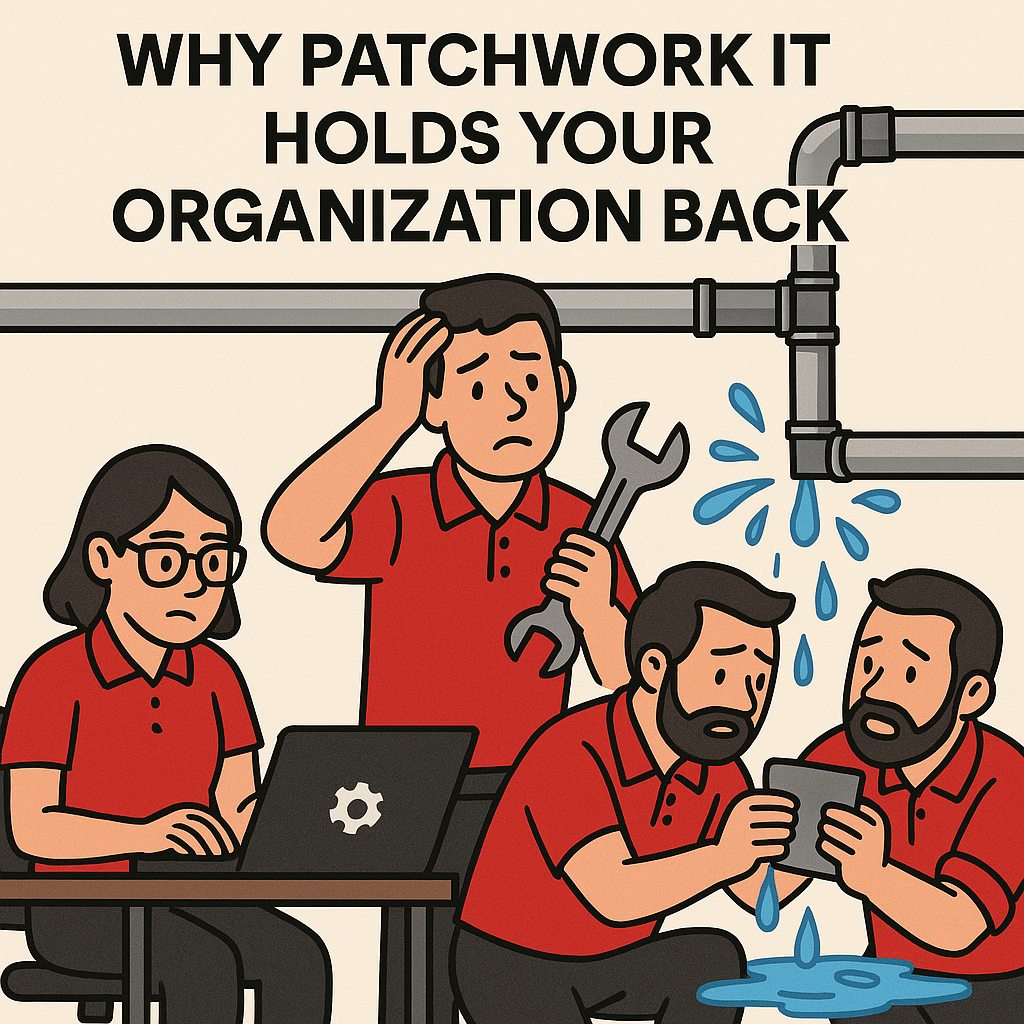

Have you ever had a leaky pipe and thought, “Eh, I’ll slap some tape on it, it’ll be fine”? And you were right. It was fine… until it wasn’t. Water pressure slowly weakened the tape over time, and before you knew it the tape burst. Suddenly you had water rushing through your house, creating more damage, unexpected repairs, and the worst of all, time and attention pulled away from the areas that actually needed your focus.
Just like many myths, the idea of “saving money” by ignoring or delaying a problem only feels smart in the moment. In reality, the issue compounds and becomes far more expensive. Technology works the same way. Organizations often try to stretch outdated systems, patch broken pieces, or avoid proactive planning, believing they are saving money. Instead, they quietly build an environment that is fragile, inefficient, and increasingly vulnerable.
Let’s dive into how this approach causes more harm than anyone realizes and what a stable, intentional IT foundation can do for your organization.
How Patchwork IT Creates Hidden Vulnerabilities
Patchwork IT is what happens when an organization relies on quick fixes, old equipment, mismatched devices, or one-off solutions that were never meant to work together. At first it seems harmless. A printer that only works for half the staff. A firewall that no one has updated in years. A laptop with a broken battery that someone must keep plugged in at all times. A single router supporting an entire office. A volunteer or staff member installing unapproved software because “it worked at my last job.”
None of these issues appear catastrophic until they collide.
Technology is interconnected. When one piece is outdated or misconfigured, it creates vulnerabilities that ripple across the entire environment. Patchwork systems often lead to:
• Larger cybersecurity risks
Devices that no longer receive updates or patches create wide-open doors for attackers. A single outdated machine can defeat an entire security stack.
• Higher likelihood of downtime
Unstable equipment produces frequent small failures. Those failures add up to big interruptions.
• Inconsistent user experience
If every computer behaves differently, no one trusts their tools. Staff waste time navigating inconsistent setups.
• Hidden costs that drain budgets
Slow machines, manual workarounds, and repeated troubleshooting burn human hours and productivity, which are far more expensive than planned upgrades.
Organizations rarely intend to operate this way. It happens slowly and quietly, one “temporary fix” at a time. Then the pressure finally bursts, just like that pipe.
Why Nonprofits and Small Businesses Are Especially Impacted
Nonprofits and small businesses often run lean. Teams are mission focused, resources are stretched, and leadership works hard to prioritize what matters most. Technology usually does not compete well for attention until something breaks.
This is understandable. Many organizations believe:
• It is cheaper to wait until something fails
• They can operate “for now” with outdated systems
• Cyber criminals only go after large companies
• Slow devices are normal and staff just need to adapt
These assumptions are costly. Nonprofits and small businesses face unique vulnerabilities:
Limited internal IT staff
Few have a full-time IT professional who monitors systems, updates devices, or plans future needs.
More sensitive data than people realize
Client records, donor information, payment data, volunteer details, internal communications, and program reports are prime targets for attackers.
Greater mission impact when systems fail
If a nonprofit’s case management system crashes, or a small business loses access to its files, real people feel the effects.
Difficulty recovering from a major incident
Large companies absorb financial hits. Smaller organizations do not. Cyber incidents, equipment failures, or extended downtime can halt operations entirely.
Because of these realities, reactive or patchwork IT hits small teams much harder than large ones. What seems like “just a slow computer” often represents deeper instability that affects productivity, security, and mission delivery.
What a Stable IT Environment Can Do for You
A healthy IT environment is not built on high-end equipment or flashy tools. It is built on consistency, predictability, and intentional planning. Stability gives organizations confidence and frees staff to focus on their work instead of troubleshooting.
A strong foundation typically includes:
Standardized equipment
When everyone uses devices of similar age and capability, support becomes easier and problems drop dramatically.
Lifecycle planning
Replacing hardware on a predictable cycle prevents emergency failures and reduces long-term costs.
Managed updates and patches
Regular maintenance closes security gaps and extends the life of equipment.
Layered cybersecurity protections
Firewalls, antivirus, endpoint detection, secure backups, and user training work together to prevent incidents.
Centralized systems and cloud tools
Shared platforms simplify access, reduce confusion, and improve collaboration.
Proactive monitoring and reporting
Issues are identified before they create downtime.
A long-term IT roadmap
This ensures leaders see upcoming needs and can budget wisely instead of scrambling.
The goal is simple: fewer surprises and fewer emergencies. A stable environment does not eliminate problems, but it keeps them small, predictable, and manageable. It gives organizations breathing room.
A Quick Self-Check: Is Your IT Environment Showing Warning Signs?
At this point in the conversation, leaders often begin to recognize signs of strain in their own systems. Here is a simple checklist to help you assess whether your technology may be more vulnerable than it appears.
• Are your devices over 5 years old?
Older devices cost more in productivity loss than they do to replace.
• Do you replace equipment annually or only when it breaks?
Emergency replacements are significantly more expensive than planned ones.
• Do you have a security awareness plan?
Your staff are the first and strongest defense when trained. Without training, they become the biggest risk.
• Do you have an IT roadmap for the next 18 to 24 months?
Lack of planning leads to surprise expenses and last-minute decisions.
• Are staff reporting recurring tech frustrations?
Repeated slowdowns, freezing, or crashing are signs of deeper issues.
If several of these resonated, your organization may be relying on patchwork methods without realizing it.
What Happens When You Move Away from Patchwork IT?
When organizations transition from reactive habits to stable, proactive IT management, the difference is immediate and noticeable. The improvements show up in:
Staff morale
People feel supported when their tools work consistently.
Productivity
Workflows speed up. Frustration slows down. Small tasks stop turning into multi-step workarounds.
Security posture
Layers of protection reduce the likelihood of breaches and incidents.
Operational predictability
Budgets become stable when unexpected failures disappear and upgrades are planned.
Organizational focus
Leaders stop worrying about technology and refocus on mission, service, and impact.
Stable IT is not an expense. It is a multiplier. It strengthens everything your team touches and is not about buying the newest tools or adopting trends. It is about creating an environment where your staff are supported, your data is protected, and your operations stay consistent day after day. The organizations that thrive are not the ones with perfect systems, but the ones that choose to invest in reliability before crisis forces their hand.
If you recognize areas where your technology feels stretched, fragile, or held together by quick fixes, now is the right moment to strengthen your foundation. A little planning today prevents a lot of disruption tomorrow, and your team deserves tools they can trust.